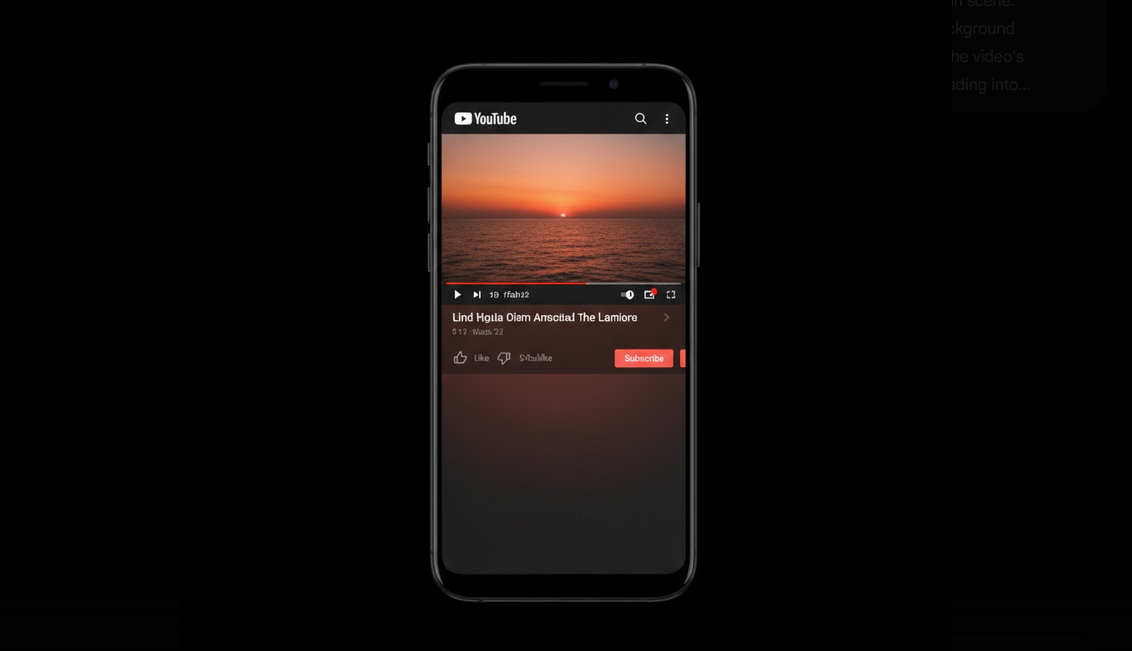
YouTube Ambient Mode is a function which utilizes the primary colors of the video and applies them to the whole interface of the app. Once you enable this function, the additional glow of the colors appears around the video player area and reflects the colors of the video.
YouTube Ambient Mode Features and Functioning
YouTube Ambient Mode takes into account the colors of the video you are watching and creates the additional glow of the colors in the background of the interface around the video player. The effect depends on the video itself and can be bright (like a sunny day) or dark (like a night), etc.
Requirements to YouTube Ambient Mode
- Dark theme must be enabled: Ambient Mode can be activated only when the dark theme is enabled in YouTube. There is no Ambient Mode for the light theme.
- The latest version of YouTube app: check whether your YouTube app is updated.
- Appropriate device: Ambient Mode is supported by any modern Android phone and tablet. This feature is available in the desktop browser.
How to Enable Ambient Mode
- Enable dark theme: go to YouTube Settings -> General tab -> select Dark Theme in appearance settings.
- Watch any video: watch any video and look at the background area near the video player.
- Check this function: click the gear icon on the video player and find the switch for Ambient Mode. Activate if it is disabled.
- Enjoy the ambiance effect: the background area becomes the reflector of the colors of the video content.
Ambient Mode and Visual Experience
This function works better with visual content. Watching nature documentaries, music videos, movies and other videos about traveling provides the best ambient effect. Bleed of the colors from the video player area to the dark background of the application gives the unique ambiance of watching the video on the large screen in the dark room.
Ambient Mode and YouTube Vanced
YouTube Vanced is compatible with Ambient Mode and has the additional advantage of the AMOLED true black theme. When you use both functions together, you will enjoy the more impressive ambient effect. Pure black pixels contrast the ambient colors and provide the impression of the glow effect.
Ad-free mode: the ambient effect is not influenced by any ads and transitions between them before the video starts. Vanced MicroG allows users to have consistent display preferences in all sessions.
Ambient Mode on the Desktop
This feature is also available on the desktop version of YouTube website if the dark mode is enabled. It creates the ambient effect on the background area of the browser near the video player area, providing the subtle glow of the background of the page. Ambient Mode works on all popular browsers such as Chrome, Firefox, Edge and Safari. On desktop, this effect usually covers wider area because of the larger screen size.
Is Ambient Mode Affecting Battery Usage?
It has minimal effect on the battery usage. Ambient Mode influences only the background color of the application interface – it doesn’t affect the brightness or adds any graphic objects. For the devices with AMOLED screens and the true black background in Vanced, the influence is negligible, since only ambient-colored pixels are used. In most cases, users won’t feel any effect on the battery usage.
Who Can Benefit from Ambient Mode?
- People who like to appreciate all the aesthetic details.
- People watching videos in dark rooms who like the ambient glow effect.
- People watching colorful music videos who can get the most beautiful ambient effect from them.
- People with AMOLED displays who can get the most contrasting true black and ambient colors.
Conclusion
YouTube Ambient Mode is a subtle but beautiful function which enriches the viewing experience. It transforms the application into the visual environment which reflects the video you are watching. Combined with YouTube Vanced and AMOLED dark theme, this function becomes the most impressive variant of the function without any ads.